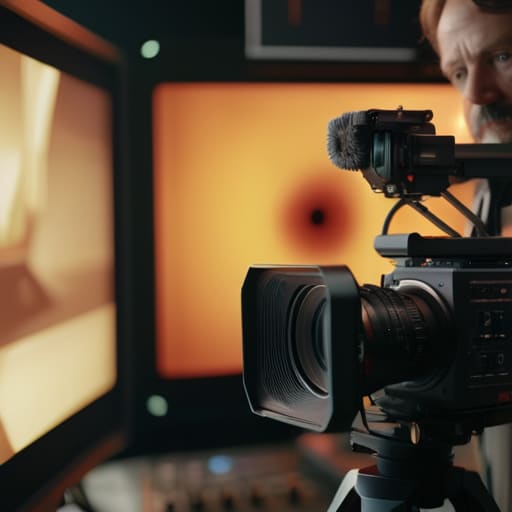
I remember a shoot in a cramped basement in Bristol, back when I was still lugging heavy Panavision cans. We had three cameras, a director who thought more angles equaled more magic, and a lighting setup that was essentially a prayer. Everyone was obsessed with the tech—the bitrates, the sync protocols, the glorious new sensors—but nobody was actually talking about how multi camera shoots are managed in a way that keeps the story from falling apart. We spent four hours fighting with wireless video transmitters only to realize we hadn’t even discussed how the coverage would actually look once we hit the edit. It was a mess of expensive gear solving problems that only patience and planning could have fixed.
I’m not here to sell you on a new workflow software or a more expensive wireless kit. What I want to do is strip away the technical noise and talk about the actual mechanics of the job: the blocking, the distance between the lenses, and the discipline required to ensure you aren’t just filming three different versions of the same mistake. I’ll show you how to coordinate your team and your light so that when you finally sit down to cut, you actually have something to work with.
Understanding How Multi Camera Shoots Are Managed
Managing a multi-cam setup isn’t about juggling more expensive sensors; it’s about the discipline of the plan. You start with your camera angle coverage strategies, deciding which positions are essential for the story and which are just vanity. I’ve seen crews waste hours setting up a fourth angle that gets nothing but a glimpse of a tripod leg in the frame. You need to know exactly where your masters are and where your close-ups live before the first talent walks on set. If you haven’t mapped out the sightlines to ensure the cameras aren’t fighting for the same patch of light, you’re just creating a headache for the editor.
Once the angles are set, the real work is the technical glue. Whether you’re using timecode or manual clapsticks, solid audio sync for multicam is what keeps the whole house from falling down during the assembly. It doesn’t matter how beautiful the lighting is if the sound drifts three frames away from the mouth moving on camera. You’re essentially building a puzzle where every piece has to arrive at the edit suite with a shared sense of time, or you’ll spend your entire night chasing shadows instead of telling a story.
Key Things to Know
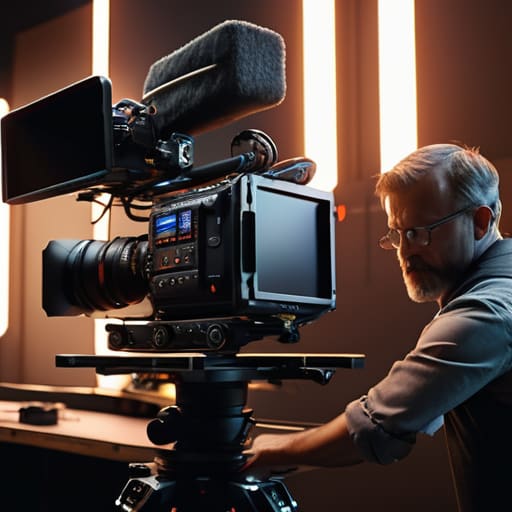
First, forget the idea that more cameras equals more magic. More cameras usually just means more ways for things to go wrong if you aren’t thinking about your camera angle coverage strategies before the first talent walks on set. I’ve seen plenty of crews show up with three high-end rigs only to realize they’ve shot three identical medium shots that offer nothing to the editor. You need variety—a wide to anchor the space, a tight for the emotion, and something else to bridge the gap. If you don’t plan the coverage, you aren’t filming a scene; you’re just collecting redundant footage.
Second, you have to respect the clock and the connection. Whether you’re using hardware timecode or just relying on a loud clap, your audio sync for multicam is the heartbeat of the entire project. If that sync is off by even a few frames, you’ll spend more time fighting the timeline than actually telling a story. I’ve spent more late nights fixing drifted audio than I care to admit, and it’s almost always because someone thought they could “fix it in post.” You can’t. Get the sync right at the source, or don’t bother hitting record.
Practical Tips and Steps
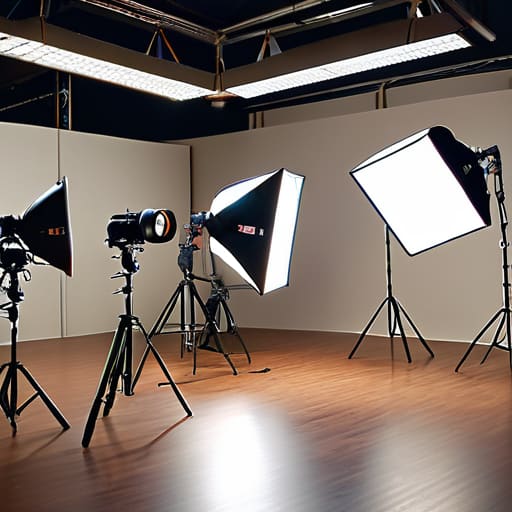
Start with the floor plan. Before anyone touches a tripod, you need to know where the light is coming from and how it affects every angle in the room. If you’re running three cameras, you aren’t just setting up three shots; you are managing a single, cohesive environment. I’ve seen too many productions fail because they focused on the individual frame instead of the camera angle coverage strategies that allow for a clean cut. You need to ensure that Camera B isn’t just a different angle, but a functional piece of the story that doesn’t fight the lighting established for Camera A.
Once the lights are set, the real headache begins: the technical glue. Don’t rely on luck to get your clips to line up in post. Whether you’re using timecode generators or manual claps, your audio sync for multicam needs to be bulletproof. I’ve spent far too many late nights in an edit suite trying to rescue a shoot because someone thought “close enough” was acceptable for sync. Establish a rigid video production workflow during the setup phase—label your media, check your levels, and verify your slate—so that when you finally sit down to edit, you’re telling a story rather than fighting the files.
Common Mistakes to Avoid
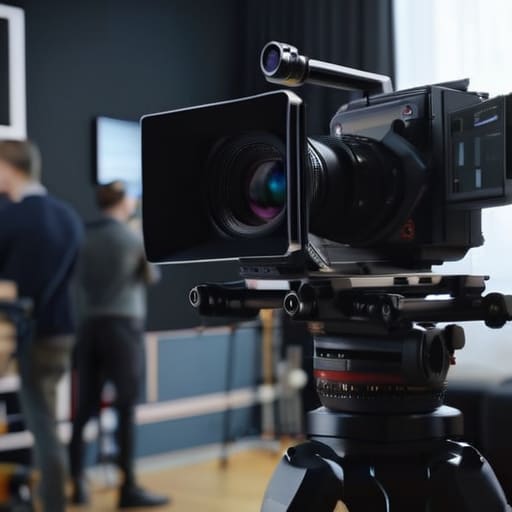
The biggest mistake I see—and I’ve sat through enough rough edits to know—is treating a multi-camera setup like a series of isolated events rather than a single, cohesive unit. People get so caught up in the individual technical specs of each rig that they forget their primary job is camera angle coverage strategies that actually make sense in the room. If you set up three cameras that are all looking at the exact same part of the frame, you haven’t given an editor a way out; you’ve just given them three ways to see the same mistake. You need depth, you need variety, and you need to ensure that when you’re switching between camera feeds, the viewer isn’t feeling a jarring jump in perspective.
Then there’s the technical fallout: ignoring the foundation of your video production workflow. I’ve seen productions crumble in the edit because someone thought they could “fix it in post” regarding audio sync for multicam. If your timecode isn’t locked or your clapper isn’t hitting the mark, you aren’t saving time; you’re just scheduling a headache. Don’t rely on your multicam editing software workflow to perform miracles on drifted tracks. If the sync isn’t there on set, the footage is effectively dead on arrival.
Final Thoughts
At the end of the day, managing a multi-camera setup isn’t a feat of engineering; it’s a feat of organization. You can own the latest cinema rigs and the most expensive multicam editing software workflow on the market, but if your team hasn’t agreed on how to cover the scene or how to mark the start of a take, you’re just filming expensive chaos. I’ve sat in edit suites staring at hours of footage that looked great in isolation but were impossible to stitch together because someone forgot to prioritize the primary angle or neglected the basic logic of the scene.
Don’t get distracted by the spec sheets. Focus on your camera angle coverage strategies and make sure your audio is locked down tight. If your audio sync for multicam is a mess, no amount of post-production wizardry is going to save your sanity. Keep your setups simple, keep your communication clear, and remember that the goal isn’t to show off how many cameras you have—it’s to ensure that when you sit down to cut, you actually have a coherent story to tell.
Five Ways to Keep the Chaos from Killing the Edit
- Prioritize the master shot and the coverage logic over the gadgetry. I don’t care if you have three Arris or three old DSLRs; if you haven’t established a clear hierarchy of shots—knowing which camera is your safety and which is your detail—you’re going to spend three days in the edit suite staring at a timeline that doesn’t make sense.
- Light for the common denominator. When you’re managing multiple angles, you can’t treat every camera like it’s a solo hero shot. You need to find a lighting scheme that works for the wide and doesn’t leave your close-up looking like a different movie. It’s about creating a consistent environment that stays stable even when you’re swapping lenses or moving a tripod.
- Sync is a discipline, not a setting. You can have the best timecode generators on the market, but if your crew isn’t disciplined about checking the slate and verifying the sync at the start of every single take, you’re asking for a headache. A little bit of manual verification saves a lot of digital screaming later.
- Manage your distance, not just your focal length. People get obsessed with matching the look of two cameras, but they forget that the physical space between the cameras dictates how much “room” you have to move. If your cameras are too close together, you’ll spend the whole day fighting the geometry of the room instead of focusing on the performance.
- Talk to your editor before you even roll. I’ve seen plenty of “managed” shoots where the crew was efficient, the gear was perfect, and the footage was unusable because nobody thought about how the shots would actually transition. Know your cut points. If you aren’t shooting with the edit in mind, you aren’t managing a shoot; you’re just recording accidents.
The Bottom Line
Don’t let the gear fool you; a multi-cam setup is won or lost in the pre-production phase through smart blocking and a clear understanding of how you intend to cut the scene later.
Prioritize consistent lighting and reliable sync over high-end resolution, because no amount of 8K detail can fix a jump cut caused by a drifting timecode or a mismatched exposure.
Focus on coverage that serves the story, not just the tech—it is better to have three cameras that capture the emotional beats than five cameras that just create a logistical nightmare in the edit.
The Myth of the Extra Camera
Most people think adding a second or third camera is about getting more angles; in reality, it’s about managing the space between those angles so you don’t end up with a pile of beautiful, unusable footage that can’t actually be cut together.
Gethin Moreau
The Bottom Line
At the end of the day, managing a multi-camera shoot isn’t some complex mathematical equation that can be solved with a high-end wireless video transmitter or a more expensive sync box. It’s about the boring, essential stuff: making sure your lighting plan accounts for every angle, ensuring your coverage actually allows for a coherent edit, and keeping a tight grip on your communication. If you’ve focused on the logistics of the room—where the cables run, how the talent moves, and how the light hits the secondary setups—you’ve already won half the battle. You can have the most synchronized sensors on the planet, but if you haven’t planned your coverage to ensure there’s a shot that actually makes sense in the sequence, you’re just filming expensive mistakes.
Don’t let the sheer volume of gear or the number of operators intimidate you into thinking that more complexity equals better results. The best multi-cam productions I’ve ever been part of weren’t the ones with the most tech; they were the ones where everyone understood the intent behind the lens. Focus on the rhythm of the scene and the relationship between your cameras. If you prioritize the fundamentals of light and the practicalities of the edit, the technology will eventually catch up to your vision. Just remember: the gear is there to serve the story, not the other way around.
