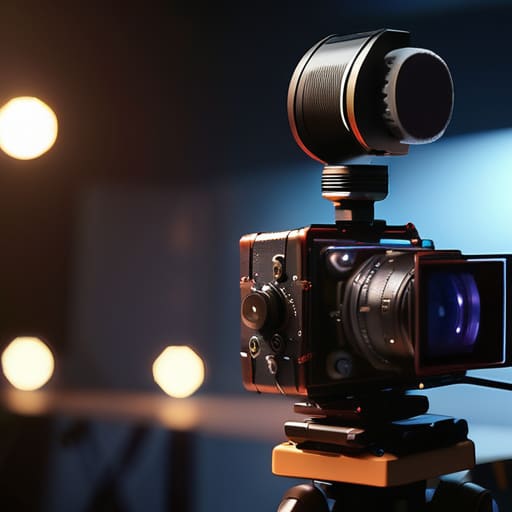
I remember a documentary shoot in a cramped, drafty studio in Bristol about fifteen years ago. I had spent three hours meticulously shaping a single key light to catch the texture of the subject’s hands, thinking I’d finally nailed the look. I was so preoccupied with the shadow fall-off that I completely ignored the fact that the camera’s internal preamp was struggling against the hum of a nearby refrigerator. When I sat down to edit, I realized I had a beautiful, cinematic image paired with audio that sounded like it was recorded inside a tin can. It was a brutal lesson in why understanding how audio recorders fit a camera kit is just as vital as knowing your T-stops.
I’m not here to sell you a spec sheet or convince you that a thousand-dollar field recorder is a magic wand for bad sound. Instead, I want to talk about the practicalities of signal integrity and workflow. I’ll show you how to stop treating audio as an afterthought and start treating it as a fundamental part of your coverage. We’re going to look at where the gear actually sits in your bag, how it affects your on-set speed, and why the best setup is usually the one that doesn’t get in your way.
The Sound Gap Why Built in Mics Fail the Distance Test
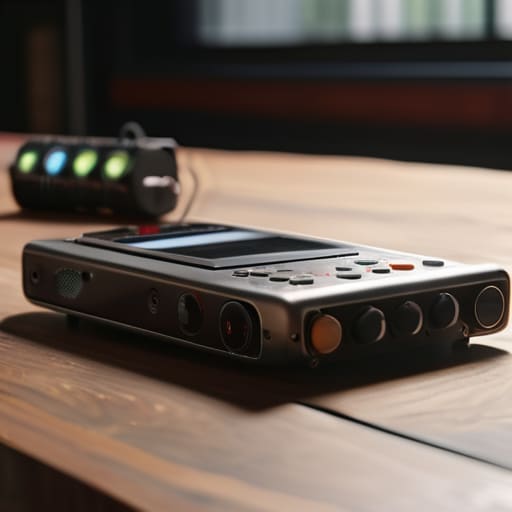
The problem with a built-in mic isn’t just the quality; it’s the physics of where the camera lives. Most of the time, your camera is sitting three, five, or ten feet away from the person actually speaking. Even if you’re using a decent shotgun mic mounted on the hot shoe, you’re fighting the air between the subject and the sensor. You end up with that hollow, cavernous sound—the kind that screams “amateur” before a single frame is even edited. When you rely on the camera’s internal capsule, you aren’t just capturing sound; you’re capturing the room, the hum of the air conditioning, and every distant car on the street.
This is where the shift to external audio recording for filmmakers becomes less of a luxury and more of a necessity. By moving the microphone closer to the source—on a boom pole or a lavalier—you stop fighting distance and start controlling the environment. It’s the difference between a recording that feels like it’s happening at you and one that feels like it’s happening in the room. Most beginners think they can fix a thin, distant track in post, but no amount of EQ can manufacture the presence that a dedicated mic provides.
Field Recorders vs Camera Microphones Solving the Quality Problem
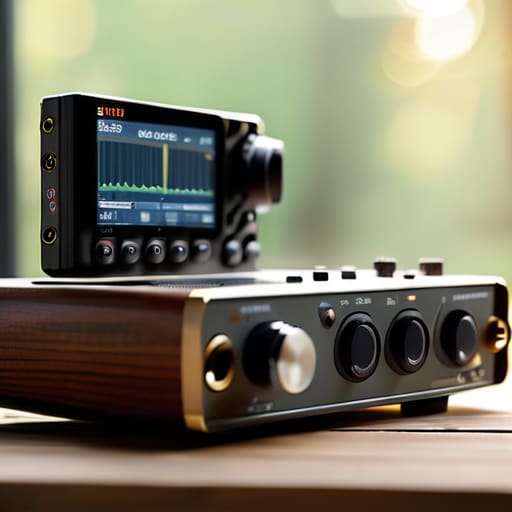
The truth is, a camera is a light-gathering machine, not a sound-capturing one. When you look at the debate of field recorders vs camera microphones, you aren’t just arguing about bit depth or preamp noise; you’re arguing about the physical separation of the source from the sensor. A camera mic is trapped by the body, fighting against the very motor and fan noise you’re trying to capture. A dedicated field recorder lets you put the ears exactly where the mouth is, far away from the mechanical hum of the rig.
Transitioning to a dual system sound recording workflow is usually the moment a production stops feeling like a hobby and starts feeling like a job. It’s more work, sure—you have to manage files, monitor levels on two devices, and deal with the inevitable headache of matching them later. But once you get comfortable with basic audio sync methods for video production, you realize the freedom it buys you. You can tuck the recorder in a bag or clip it to a talent, leaving your camera free to focus on the frame without being tethered to a mediocre internal circuit.
How Audio Recorders Fit a Camera Kit Without Adding Friction
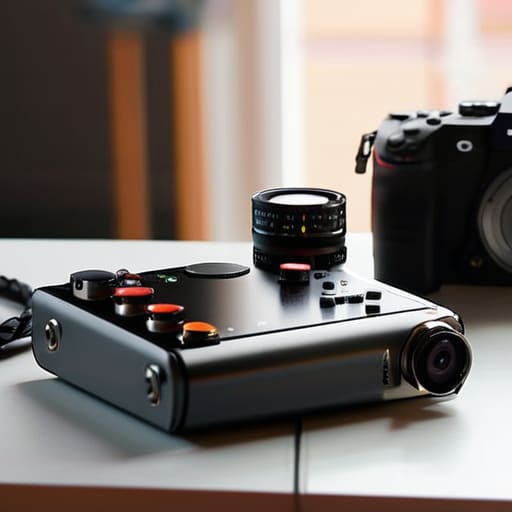
The real danger of adding a dedicated recorder to your setup isn’t the cost; it’s the weight and the complexity. I’ve seen too many young shooters walk onto a set with a bag full of shiny toys, only to spend forty minutes fighting with cables while the sun moves three stops and the talent loses their energy. If your gear makes you slower, it’s making you worse. The goal is a dual system sound recording workflow that feels like an extension of your camera, not a separate, cumbersome chore.
You have to decide early if you’re going for a lightweight, “run-and-gun” rig or a full-scale production setup. If you’re working solo, a small recorder that clips to your belt or sits on the tripod is fine. But if you’re serious about professional results, you need to look at timecode synchronization for video. It’s the difference between spending three hours manually aligning waveforms in the edit and actually having a usable timeline the moment you import your clips. It’s about removing the friction so you can focus on the light and the blocking, rather than praying your audio and video actually line up when you get home.
Mastering the Dual System Sound Recording Workflow
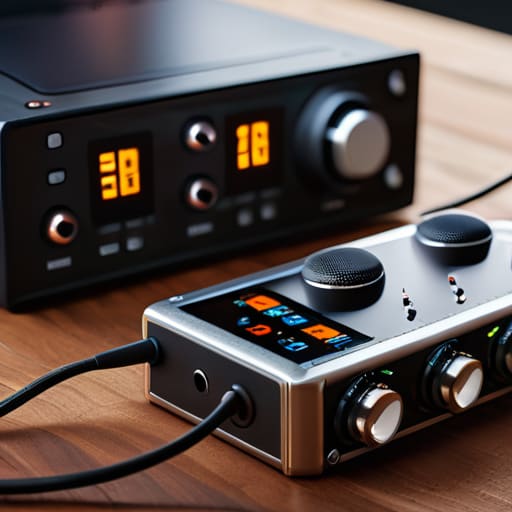
Once you accept that your camera isn’t an all-in-one solution, you have to deal with the reality of the dual system sound recording workflow. This isn’t just about having two devices; it’s about managing two separate streams of data without losing your mind in the edit. In my experience, the most common mistake is treating the audio as an afterthought, something to be “fixed” later. If you aren’t capturing a clean, dedicated track on a field recorder, you’re essentially asking your editor to perform a miracle with a handful of scraps.
The real magic—and the real headache—happens during the marriage of those files. While you can get by with a clapperboard or a manual clap in the frame, relying on it for every single take is a recipe for disaster. If you want to actually scale your work, you need to look into timecode synchronization for video. Using a dedicated timecode generator ensures that your camera’s metadata and your recorder’s data are speaking the same language. It takes a bit more setup time in the morning, but it saves hours of frustration when you’re staring at a timeline of mismatched waveforms at 2:00 AM.
Timecode Synchronization for Video When Patience Becomes Precision
I’ve sat in enough dark edit suites to know the exact moment a production starts to bleed money: it’s when the assistant editor spends four hours manually dragging waveforms to match a clip because someone thought they could “just fix it in post.” If you aren’t using timecode synchronization for video, you aren’t just risking a headache; you’re gambling with your entire timeline. When you move to a dual system sound recording workflow, you’re essentially separating the brain from the body. The camera sees, and the recorder hears, but without a shared clock, they’re just two strangers shouting at each other in different languages.
The old way—clapping a slate and praying the spike in the waveform is visible—is fine for a student film or a quick run-and-gun interview. But when you’re dealing with multiple angles or complex coverage, you need a dedicated timecode generator or a recorder that can jam-sync with your camera. It’s about eliminating the friction between the set and the suite. It’s a small, technical detail that separates the professionals from the hobbyists, ensuring that when the light was perfect and the performance was real, the sound is exactly where it belongs.
External Audio Recording for Filmmakers Improving Production Value
I’ve sat in too many edit suites watching a client try to fix a “cinematic” shot that was ruined by a thin, hollow-sounding dialogue track. You can have the most expensive sensor in the world and a lighting setup that would make a Caravaggio weep, but if the sound is thin, the audience’s brain will instinctively flag the image as “cheap.” This is the hard truth of improving production value with high-quality audio: it isn’t about adding a fancy layer of polish; it’s about removing the fundamental distraction of bad sound.
When you move toward a dedicated external audio recording for filmmakers approach, you aren’t just buying a new gadget to check off a list. You are buying headroom. You’re buying the ability to capture the weight of a voice or the subtle texture of a room without the preamps of your camera turning everything into a noisy, compressed mess. It’s the difference between a video that looks like a high-end documentary and one that feels like a well-shot YouTube vlog. One commands respect; the other just asks for your attention.
Five Ways to Keep Your Audio from Becoming a Liability
- Don’t let your recorder become a brick in your bag; if it’s too heavy or too complicated to set up in under sixty seconds, you won’t use it when the light is fading, and you’ll end up back with the shitty built-in mic.
- Prioritize a recorder with a solid timecode generator over one with a hundred flashy buttons; I’d rather spend ten minutes syncing in post than ten hours trying to line up clips by hand because I saved fifty bucks on a device without a clock.
- Match your recorder’s inputs to your actual reality, not your gear fantasies; if you aren’t planning on running a full boom and two lavs, don’t buy an eight-channel beast that eats your battery life and doubles your kit weight.
- Think about the power ecosystem before you buy; a recorder that requires a proprietary, non-standard battery is just another piece of gear that’s going to fail you at 4:00 PM when you’re halfway through a scene.
- Always carry a way to monitor the signal that doesn’t rely on the camera’s screen; if you can’t hear the floor noise or the clipping in your headphones because you’re too busy checking your exposure, you’ve already lost the shot.
The Bottom Line
Stop looking for a better sensor to fix a bad production; if your audio is thin and distant, you aren’t making a film, you’re making a home movie.
An external recorder isn’t just a luxury for the gear-obsessed; it’s a tool for managing distance and ensuring your dialogue actually survives the edit.
Invest in timecode and a dual-system workflow now, or prepare to spend twice as much time in the edit suite fighting a battle you could have won on set.
## The Gear Trap
You can spend your entire budget chasing a sensor with more dynamic range, but if your audio is thin and distant, you aren’t making a film—you’re making a very expensive home movie that no one will finish watching.
Gethin Moreau
The Final Mix
At the end of the day, adding an external recorder to your kit isn’t about chasing a spec sheet or owning the most expensive gadget in the grip truck. It’s about closing the gap between what the eye sees and what the ear expects. We’ve talked about why built-in mics fail the distance test, how dual-system recording keeps your tracks clean, and why timecode is the only thing standing between a smooth edit and a nightmare of manual syncing. If you invest in a dedicated recorder, you aren’t just buying a piece of hardware; you are buying the ability to capture the nuance of a room or the quiet grit in a subject’s voice—things a camera’s internal preamp will simply swallow whole.
Don’t let the gear talk distract you from the actual job. I’ve sat in edit suites looking at stunning, high-resolution footage that was completely unwatchable because the audio sounded like it was recorded through a tin can. You can have the sharpest lens and the most expensive sensor in the world, but if the sound is hollow, the story is broken. Stop looking for the magic sensor that will fix a bad production and start looking at how you capture the air in the room. Build your kit with the understanding that sound is half the image, and once you respect that, your work will finally start to feel whole.
