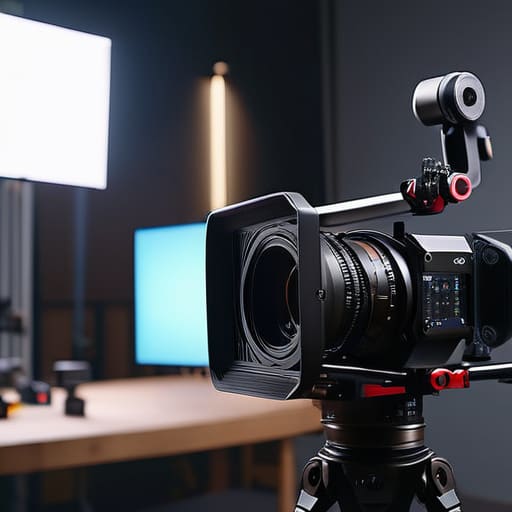
I remember sitting in a cramped control room ten years ago, staring at four different monitors while the talent’s sweat started to catch the overhead fluorescent light. We had three high-end cinema cameras, a synchronized clock, and enough cables to rewire a small apartment, yet the footage was useless because we hadn’t actually planned how the shots would talk to each other. Most people think a complete guide to multicam should be a shopping list of expensive switchers and high-bitrate codecs, but that’s a lie. If you don’t understand the geometry of your room and the rhythm of your subject, you’re just filming a very expensive mess that no editor can save.
I’m not here to sell you on a specific sensor or a new piece of software that promises to automate your workflow. Instead, I want to talk about the actual physics of the setup: where to place your secondary angles so they provide meaningful coverage, how to manage your lighting when you have multiple perspectives to satisfy, and the discipline required to ensure you don’t end up with a mountain of footage and nothing to cut to. This is about the craft of the setup, not the gear.
Understanding Complete Guide to Multicam
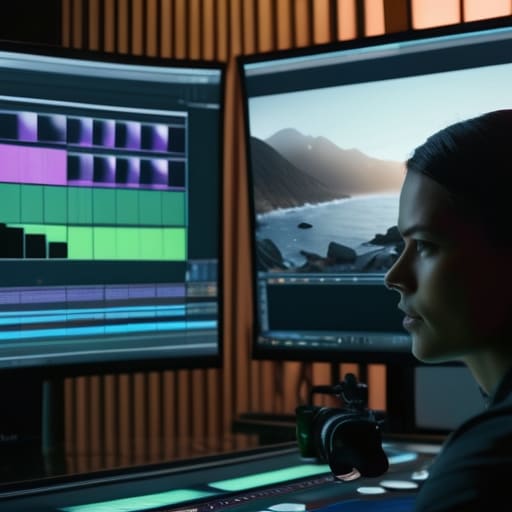
Before you start worrying about which camera has the best dynamic range or how many monitors you can cram onto a desk, you need to understand what we’re actually trying to achieve. Multicam isn’t just about filming the same thing from different angles; it’s a method of capturing coverage that respects the edit. If you aren’t thinking about how these shots will eventually sit next to one another, you aren’t doing multicam—you’re just making more work for yourself in the suite.
The real foundation of a successful shoot lies in the technical discipline of the setup. This means more than just pointing lenses at a subject; it requires strict frame rate matching for multicam across every single unit to avoid the nightmare of drifting footage. You also have to decide early on if you’re aiming for a live multicam setup for live streaming or if you’re building a complex multicam editing workflow for a controlled environment. One requires immediate decisions via a switcher, while the other relies on the patience to get the data right for the colorist later. Either way, if your clocks aren’t synced and your angles aren’t planned, the gear won’t save you.
Key Things to Know
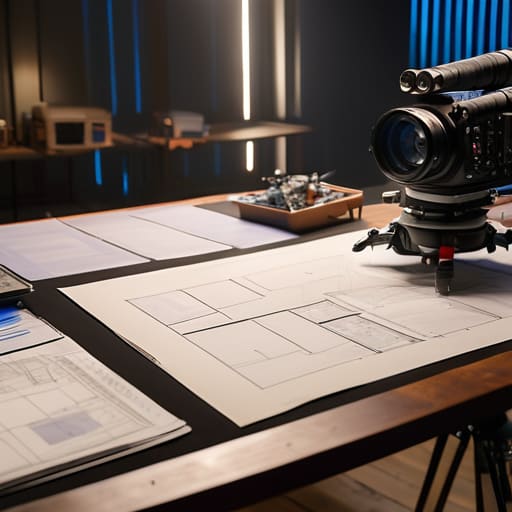
Before you start plugging cables into a switcher, you need to understand that multicam is a game of logistics, not just technology. Most people get caught up in the shiny allure of a multi-camera setup for live streaming, thinking more angles automatically equals more energy. It doesn’t. If your angles are just the same shot from slightly different distances without a purpose, you’re just creating more work for yourself in the edit. You have to decide why you need that second or third view before the first light is even rigged.
The real headache usually starts when you hit the desk. A smooth multicam editing workflow relies entirely on how much discipline you showed on set. If you didn’t prioritize audio synchronization techniques—like using a consistent clapper or a dedicated timecode generator—you’re going to spend half your life manually dragging waveforms around a timeline. I’ve seen better footage ruined by a sloppy sync than by a mediocre sensor. Remember: coverage is cheap, but organized coverage is everything.
Practical Tips and Steps
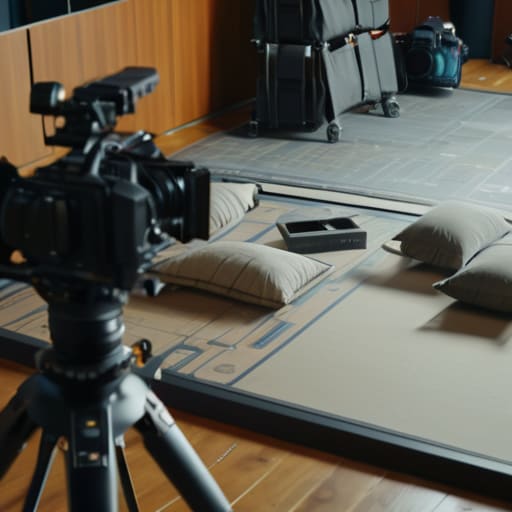
First, stop thinking about the cameras and start thinking about the floor plan. Before you even touch a tripod, you need to map out your sightlines. If Camera A is looking at the subject from the front, Camera B shouldn’t be positioned where it’s just capturing the back of a head or a stray light stand. I’ve seen more multicam shoots ruined by poor blocking than by bad sensors. Once you have your angles, ensure you are strictly adhering to frame rate matching for multicam across every single unit. If one camera is at 23.98 and the other is at 24, your editor will spend more time fighting the timeline than actually telling the story.
Next, let’s talk about the glue that holds it all together: the sound. You can have the most expensive RED setup in the world, but if your audio is drifting, the footage is garbage. Use dedicated audio synchronization techniques, like a clapper or a consistent slate, rather than just relying on the camera’s scratch mic. It’s a small step that saves hours of headache during the multicam editing workflow. Don’t rely on “magic” software to fix a lack of discipline on set; fix it at the source.
Common Mistakes to Avoid
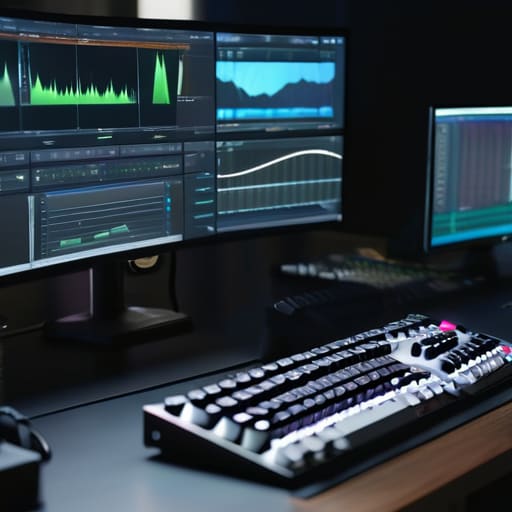
The biggest mistake I see isn’t a lack of gear; it’s a lack of foresight regarding the edit. People get so caught up in the thrill of seeing four monitors lit up that they forget they actually have to piece the footage together later. They’ll shoot three cameras at different frame rates or varying shutter angles, thinking they’re being “dynamic,” only to realize during the multicam editing workflow that nothing lines up. If your cameras aren’t locked to the same frame rate from the jump, you aren’t making a movie; you’re making a headache for your future self.
Then there’s the audio. I’ve sat in edit suites watching a director scramble because they relied on camera scratch mics instead of a dedicated, single source. You can have the most expensive multi-camera setup for live streaming or a studio shoot, but if your audio synchronization techniques are sloppy, the visual coverage won’t save you. A jumpy cut is a minor annoyance; a jumpy, out-of-sync audio track is a professional catastrophe. Stop worrying about the resolution for a second and make sure your sound is the anchor.
Final Thoughts
At the end of the day, don’t let the gear or the complexity of the rig intimidate you. Whether you are setting up a multi-camera setup for live streaming or a controlled studio shoot, the goal remains the same: capturing enough information to tell a coherent story. I’ve seen people spend thousands on the latest sensors only to fail because they neglected the basics, like ensuring consistent frame rate matching for multicam across all units. If your cameras aren’t talking the same language from the jump, you’re just creating a headache for yourself later.
The real work often happens after the lights go down. A solid multicam editing workflow depends entirely on how much discipline you showed while the cameras were actually rolling. If you took the time to manage your audio synchronization techniques and organized your media properly, the edit will flow. If not, you’ll spend your entire week fighting the timeline instead of shaping the story. Remember, the best setup isn’t the one with the most cameras; it’s the one that gives you the coverage you need to make a decision in the edit suite.
Five Ways to Stop Multicam from Becoming a Nightmare
- Sync is your god, not your resolution. I don’t care if you’re shooting on an Alexa or a smartphone; if your timecode is drifting or your claps aren’t clean, you aren’t filming, you’re just collecting digital garbage that will kill your editor’s soul.
- Light the scene for the widest angle, then adjust for the close-ups. Most people make the mistake of lighting for a tight shot and then realize the wide angle looks like a cave. You have to think about how the light hits the subject from every possible angle you’ve planned to cover.
- Plan your coverage like you’re writing the edit in your head. A multicam setup isn’t just about having more eyes; it’s about having enough variety in your focal lengths and heights so that when you sit down to cut, you actually have a way to hide a jump cut or a mistake.
- Don’t get seduced by the “more is better” trap. Adding a fourth or fifth camera doesn’t make a production more professional; it just adds more cables to trip over and more files to manage. If the extra angle doesn’t serve the story or the blocking, leave it in the truck.
- Audio is the anchor. You can have the most beautiful, multi-layered visual coverage in the world, but if the audio is thin or out of sync, the whole illusion collapses. Get a solid, dedicated track recorded cleanly, and treat it with more respect than your sensor settings.
The Bottom Line
Multicam is a strategy for coverage, not a reason to buy more sensors; if you haven’t planned your angles to ensure you actually have something to cut to, you’re just filming more ways to fail.
Prioritize your light and your sync over your resolution; a beautiful 8K image is useless if the lighting shifts between angles or the audio drifts so far that the edit becomes a headache you can’t cure in post.
Don’t mistake more cameras for more creativity; the goal is to use your positions to tell the story more efficiently, not to fill the room with gear that just gets in the way of the talent and the light.
The Multicam Illusion
A multicam setup isn’t a way to work faster; it’s a way to capture more perspectives, and if you haven’t planned your coverage and your light to work across those angles before you hit record, you aren’t making a multi-camera production—you’re just making a headache for your editor.
Gethin Moreau
The View From the Monitor
At the end of the day, a successful multicam shoot isn’t defined by how many 6K sensors you have rolling in sync, but by whether you actually captured the essence of the moment from enough angles to make a coherent story. You need to have mastered your lighting so that Camera A and Camera B aren’t fighting each other, you need to have secured your audio before the first take, and you need to have planned your coverage so you aren’t staring at a blank screen in the edit suite because you forgot a wide shot. It’s about coverage, consistency, and the discipline to stop adding cameras once you’ve actually solved the problem of the scene.
If you find yourself obsessing over whether you need one more lens or a slightly faster aperture, stop. Go back to the blocking. Go back to the light. The gear is just a tool to help you witness what is happening, but the magic happens in the space between the cameras—in the rhythm of the cuts and the truth of the performance. Don’t let the technical complexity of a multi-camera setup distract you from the simplest truth in this job: we are here to tell a story, and the best way to do that is to stay patient, keep your eyes on the subject, and trust that a well-placed single light will do more for your image than a third camera ever could.
