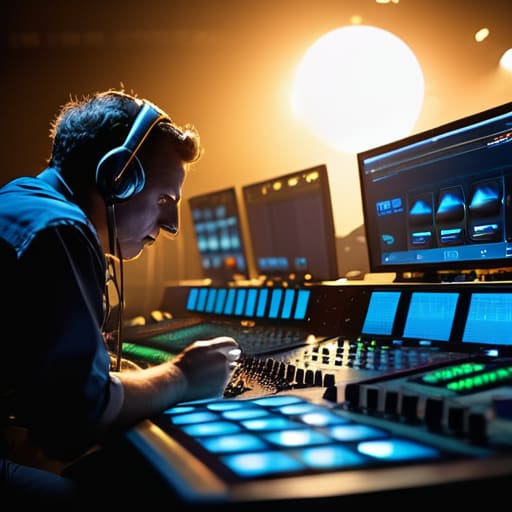
I spent three hours last week watching a kid try to explain how live streaming production works by pointing at a spreadsheet of bitrates and encoder specs. He looked like he was describing a particle accelerator, but all I could see was a guy who didn’t realize his subject was being washed out by a cheap LED panel sitting three feet from their face. We’ve reached this strange point where people think a higher frame rate or a more expensive switcher will fix a fundamental lack of composition and lighting. You can have the most sophisticated signal chain in the world, but if your light is hitting the subject from behind and your audio is bouncing off a concrete wall, you aren’t producing a show; you’re just broadcasting a mess in high definition.
I’m not here to sell you a dream or a shopping list of gear you don’t need. My goal is to strip away the jargon and show you the actual mechanics of the craft—from how you manage your signal flow to why your physical setup dictates your digital success. I’ll tell you exactly how the pieces fit together, focusing on the practical reality of the workflow rather than the marketing hype. We’ll talk about coverage, stability, and the few pieces of kit that actually matter when the red light goes on.
Understanding How Live Streaming Production Works
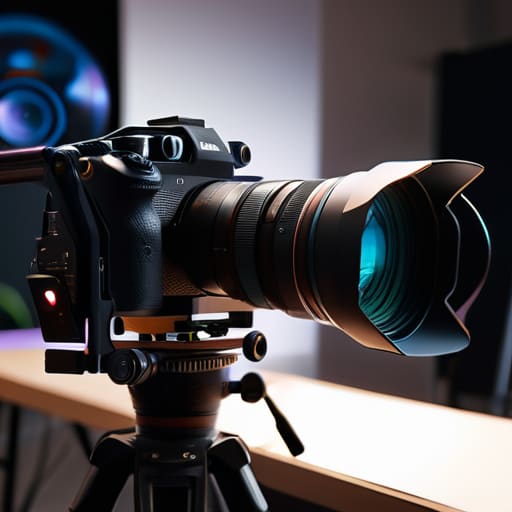
At its core, the whole thing is just a high-stakes relay race. You start with light hitting a sensor, and you end with a packet of data arriving on someone’s phone. Most people think the “magic” happens in the software, but it really begins with your live streaming hardware setup. If your cameras aren’t seeing a clean image because you’ve neglected your lighting, no amount of high-end processing is going to fix that muddy mess. You need a solid signal from the source—whether that’s a single mirrorless or a complex multi-camera production technique—before you even think about hitting ‘Go Live.’
Once the signal leaves the lens, you enter the video encoding process explained in most manuals as a series of math problems. You’re essentially taking a massive, unmanageable stream of visual information and crushing it down into something that can actually survive the trip across the internet. This is where streaming bitrate optimization becomes your best friend or your worst enemy; if you push too much data through a narrow pipe, your stream will stutter like a nervous intern. It’s a delicate balance of quality and stability, and it’s usually won or lost in the way you manage your bandwidth, not in the price of your switcher.
Key Things to Know
First, let’s talk about the signal. You can have the most beautiful lighting setup in the world, but if your broadcast signal workflow is a mess, you’re just broadcasting high-definition garbage. It’s a chain, and it’s only as strong as its weakest link. Most people focus on the camera, but the real heavy lifting happens during the video encoding process. That’s where your raw, beautiful image gets chopped up, compressed, and squeezed through a digital straw. If you don’t understand how that compression affects your image, you’ll spend your whole production wondering why your subject looks like they’re made of wet clay.
Then there is the matter of stability. I’ve seen more streams fail because of a bad connection than a bad lens. You need to master streaming bitrate optimization before you even think about adding a second or third camera to the mix. If you push too much data through a pipe that isn’t wide enough, the whole thing stutters. It’s not about how much data you can throw at the problem; it’s about knowing exactly how much your connection can actually carry without breaking.
Practical Tips and Steps
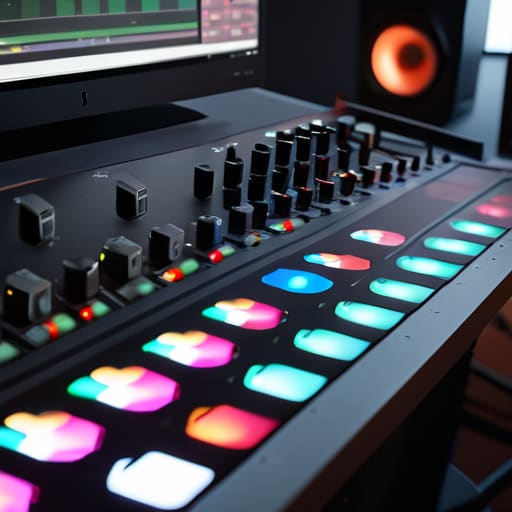
Start with your light, not your switch. I’ve seen more failed streams due to blown-out windows than dropped connections, so get your key light positioned before you even touch a cable. Once the room looks right, you can tackle the live streaming hardware setup. Don’t just daisy-chain everything into a single hub and pray; ensure your audio interface and camera feeds have enough dedicated bandwidth to breathe. If you’re moving into multi-camera production techniques, remember that more angles mean more points of failure. Keep your signal paths short and your power sources stable.
When you finally move to the computer, don’t get lost in the weeds of every setting available. The video encoding process explained in most manuals is a labyrinth, but for us, it’s really just a balancing act between clarity and stability. Focus on your streaming bitrate optimization—if you push too hard on a connection that can’t handle it, you aren’t getting “pro” quality, you’re just getting a stuttering mess. I’d rather have a clean, slightly softer image than a high-bitrate nightmare that freezes every thirty seconds.
Common Mistakes to Avoid
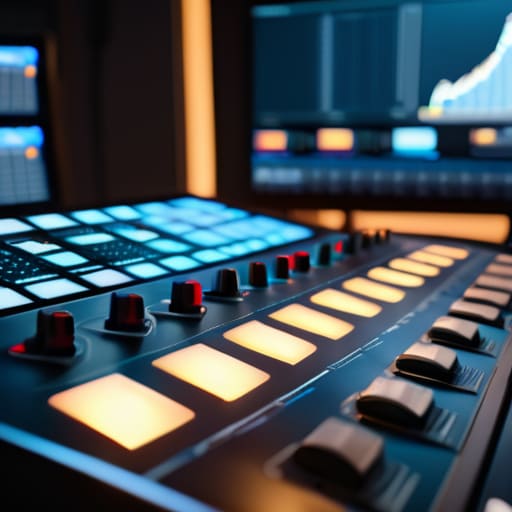
The biggest mistake I see—and it’s usually born out of a misplaced faith in technology—is treating a live stream like a YouTube upload. You can’t just hit ‘record’ and hope for the best. People spend thousands on a high-end camera only to choke the signal with a poor live streaming hardware setup that hasn’t accounted for network stability. If your upload speed is fluctuating, your streaming bitrate optimization becomes a guessing game you’re destined to lose. I’ve sat in control rooms where the gear was top-tier, but the signal dropped because they forgot that a live feed is a living, breathing thing that needs headroom, not just resolution.
Then there’s the obsession with the “look” at the expense of the “cut.” I see beginners trying complex multi-camera production techniques without actually understanding their signal chain. They’ll jump between angles that don’t match in terms of exposure or white balance, thinking they can fix it in post. Newsflash: there is no post. If you haven’t mastered the light and the basic broadcast signal workflow before you go live, you aren’t producing a show; you’re just documenting a disaster.
Final Thoughts
Look, you can spend your entire budget on a high-end live streaming hardware setup and still end up with a signal that looks like a digital mess if you haven’t mastered the basics. At the end of the day, a successful stream isn’t a magic trick performed by a computer; it’s just a series of controlled decisions. You decide where the light hits the subject, you decide how much data you can actually push through the pipe, and you decide how much coverage you need to make the edit feel intentional rather than accidental.
Don’t get lost in the weeds of every new codec or flashy gadget. If your streaming bitrate optimization is sound and your lighting doesn’t fight your sensor, you’re already ahead of eighty percent of the people currently hitting ‘Go Live.’ Focus on the fundamentals: stable light, clear audio, and a predictable signal path. Everything else is just extra weight in the truck. If you get those three things right, the technology will eventually stop getting in your way and start doing what it’s supposed to do—letting the story happen in real time.
Five Things That Won't Show Up in a Spec Sheet
- Light the subject, not the room. In a controlled studio, you can get away with a lot, but the moment you’re live, you can’t “fix it in post.” If your subject is a silhouette because you didn’t bother with a basic key light, no amount of bitrate or expensive encoding is going to make that look professional.
- Audio is half the image, and twice as unforgiving. I’ve seen streams with 4K resolution that felt unwatchable because the wind was hitting a cheap shotgun mic or the room reverb was bouncing off the walls. If you can’t afford a decent lav or a dedicated cardioid condenser, you’re just broadcasting noise.
- Redundancy is your only real insurance policy. If you’re relying on a single internet connection or a single laptop to run the whole show, you aren’t producing a stream; you’re performing a high-stakes gamble. Have a backup data source and a secondary machine ready to go before you hit ‘Go Live.’
- Watch your distance, not just your resolution. People get obsessed with how many megapixels their camera has, but they forget that if the lens is too wide and the subject is too close, the distortion makes them look like a caricature. Get the right focal length to flatter the face, and the sensor will handle the rest.
- Test the signal path, not just the gear. It doesn’t matter if you have a cinema-grade camera if your encoder is choking on the bitstream or your switch is dropping frames. Run a full rehearsal—lights, audio, and the actual upload—at least an hour before the doors open. Most “technical disasters” are actually just failures of preparation.
The Bottom Line
Stop looking for a magic camera; a stable light source and a predictable signal will do more for your stream than a sensor upgrade ever could.
Coverage isn’t just for film; if you haven’t planned your angles and your backup audio before you hit ‘Go Live,’ you aren’t producing, you’re just hoping.
Technical failure is inevitable, so build your workflow around redundancy rather than perfection—it’s easier to fix a laggy encoder than a shot that was poorly lit from the start.
## The Myth of the Magic Box
“People think live streaming is about finding the perfect encoder or the fastest internet connection, but that’s just the plumbing. Real production is about the light hitting the subject’s eyes, the distance between the mic and the mouth, and having enough coverage so that when the inevitable technical glitch happens, you aren’t staring at a black screen while you scramble to fix it.”
Gethin Moreau
The View from the Monitor
At the end of the day, live streaming production is just a high-stakes version of the same fundamentals we’ve been chasing since the days of 16mm. You can have the fastest encoder and the most expensive switching hardware on the market, but if your subject is a silhouette because you didn’t check the window light, or if your audio is peaking because you ignored the gain staging, the stream is a failure. It comes down to the trinity we discussed: managing your signal flow, controlling your lighting environment, and having enough redundancy that a single cable failure doesn’t end your night. It isn’t about the specs on the box; it’s about how you connect the dots between the lens and the viewer’s screen.
If you’re feeling overwhelmed by the sheer amount of gear and protocols, take a breath and step back from the spec sheets. The most important part of any live broadcast isn’t the bit rate—it’s the intent behind the frame. Whether you’re streaming a corporate keynote or a backyard concert, remember that the technology is merely a bridge. Once you stop worrying about whether your sensor is the latest model and start focusing on how the light hits the subject, you’ll stop being a technician and start being a storyteller. The gear will eventually become obsolete, but a well-composed, well-lit moment stays with people.
